



 Send Inquiry
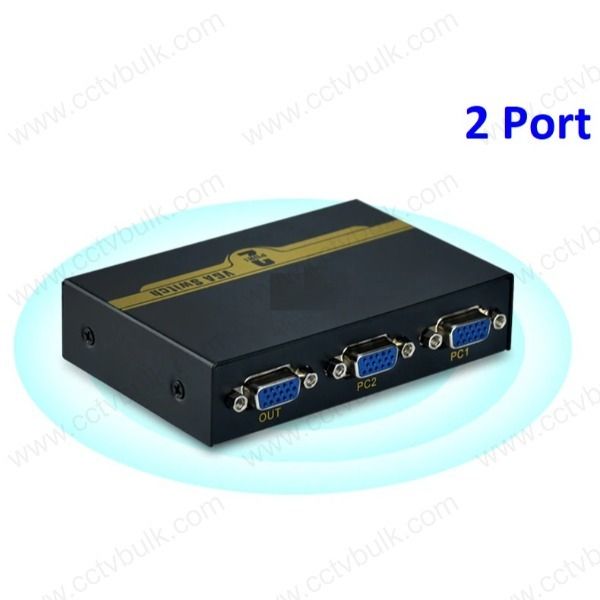
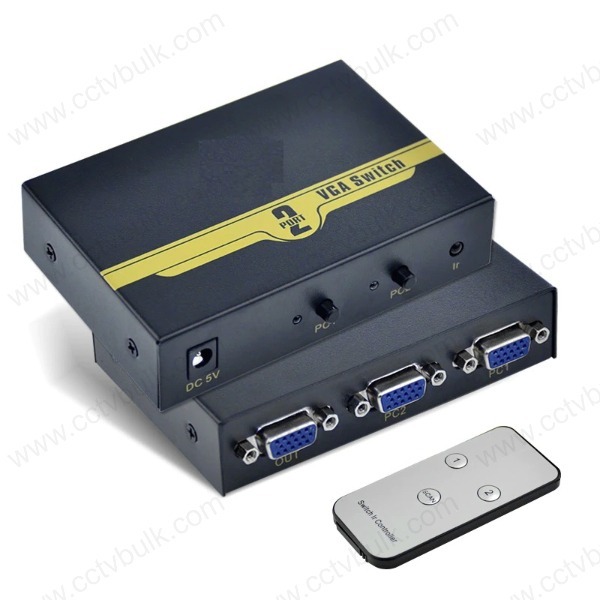
Vga Switch 2 Port With Remote
Price 699 INR/ Piece
Vga Switch 2 Port With Remote Specification
- Connector Type
- VGA (D-Sub)
- Female End Type
- VGA 15-pin Female
- Material
- ABS plastic (switch body)
- Capacity
- 2 Port (Input/Output)
- Temperature
- Operating Temperature: 0°C to 50°C
- Application
- Video Signal Switching, Monitor/Projector Sharing
- Voltage Rating
- Passive, No External Power Required
- Connector
- VGA Female Ports
- Cable Type
- Not Applicable (switch body)
- Number of Conductor
- 15-pin (3 Rows, 5 Each)
- Sheild
- No Shield
- Flame Resistance Level
- General Flame Retardant
- Outer Diameter
- Standard VGA Switch Housing
- Length
- Remote cable: Approx. 1 m (unit); Not applicable to switch body
- Wire Gauge
- Standard VGA gauge
- Color
- Black
- Jacket Material
- ABS plastic (switch body)
- Insulation
- PVC Insulation
- Cable Length
- Remote cable approx. 1 meter
- Net Weight
- Approx. 180 grams
- Input/Output Interface
- VGA 15-pin
- Number of Ports
- 2 Ports
- Mounting Type
- Desktop
- Power Supply
- No Power Supply Needed (Passive)
- Product Dimensions
- Approx. 13 cm x 7 cm x 4 cm
- Compatible Devices
- Computer, Monitor, Projector, LCD, HDTV
- Switching Method
- Remote Control and Manual Push Button
- Remote Control Range
- Up to 5 meters
- Maximum Resolution Supported
- 1920x1440 pixels
Vga Switch 2 Port With Remote Trade Information
- Minimum Order Quantity
- 1 Piece
- Delivery Time
- 1 Week
- Sample Policy
- Contact us for information regarding our sample policy
- Packaging Details
- Pack of 1
- Main Export Market(s)
- Asia
- Main Domestic Market
- All India
Vga Switch 2 Port With Remote About
With this product, we can select the signal source from the multi PC's at will.Bandwidth up to 500MHz can make the monitor into ultra high resolution.
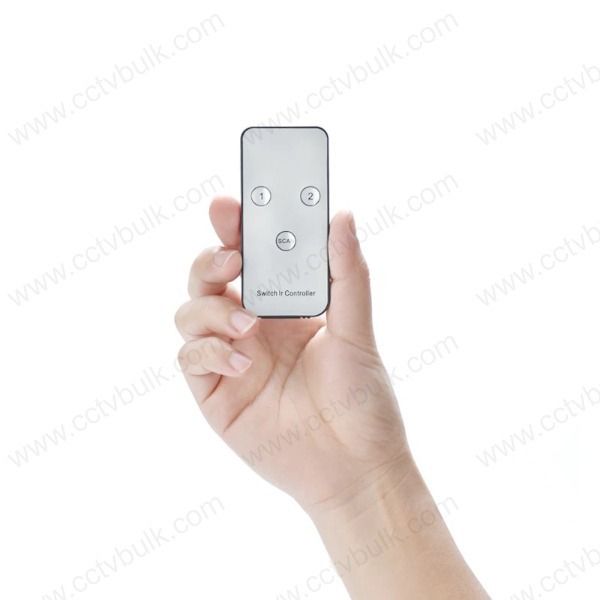
With the ir remote controller, we can switch the signal source far away to make it convenient for our use.
1. VGA bandwidth: 500 MHz
2. VGA resolution: 2560 X 1600
3. Switch mode : IR or buttons on the panel
4. With PC scan function (Optional)
5. With audio switch function (Optional)
6. With input signal source auto detection (Optional)
Seamless VGA Source Switching
Quickly alternate between two VGA video sources using either the onboard manual push button or the convenient remote control. The switch's design streamlines video management for computers, monitors, projectors, and HDTVs, making it an essential addition to any workspace where quick source selection is beneficial.
Superior Video Clarity and Compatibility
With support for resolutions up to 1920x1440 pixels, the VGA Switch ensures crisp and clear visuals. Its compatibility with a range of devices-including computers, HDTVs, and LCD projectors-makes it versatile for presentations, classrooms, and home setups.
Hassle-Free Installation and Operation
Enjoy a simple plug-and-play experience; no external power supply is needed, and the device's compact build allows for easy desktop placement. The included remote (with a 1-meter long cable) provides convenient access to switching sources without moving from your seat.
FAQ's of Vga Switch 2 Port With Remote:
Q: How do I switch between devices using the VGA Switch 2 Port with Remote?
A: You can switch input sources using either the manual push button on the switch body or the included remote control, which works from up to 5 meters away. This provides flexibility based on your location and preference.Q: What devices are compatible with this VGA switch?
A: This switch supports various VGA-enabled devices, including computers, monitors, projectors, LCDs, and HDTVs. Its standard 15-pin VGA interface ensures broad compatibility.Q: When should I use a VGA switch in my setup?
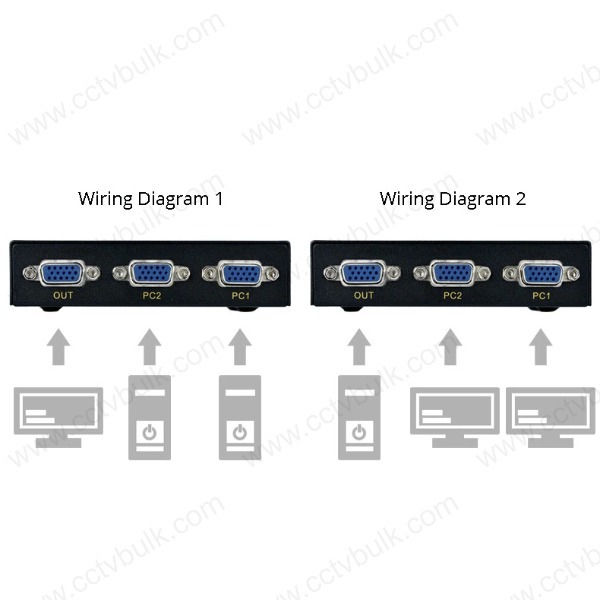
A: A VGA switch is helpful when you need to connect two different video sources to a single display, such as a monitor or projector, and switch between them quickly-ideal for office presentations, classrooms, or shared home entertainment systems.Q: Where should the VGA switch be placed for optimal use?
A: The VGA switch is designed for desktop use and should be placed within reach if you plan to use the manual button, or within 5 meters of your seat to utilize the remote control efficiently.Q: What is the installation process for the VGA switch?
A: Simply connect the VGA input cables from your source devices to the switch's input ports, and then connect your display device to the output port. No external power or drivers are required-just plug in and start switching.Q: Is external power or batteries needed for the switch to work?
A: No, the switch operates passively and does not require any external power source or batteries. It uses a standard VGA 15-pin connection and is powered by the input signal.Q: What are the main benefits of using a 2-port VGA switch?
A: The primary benefits include streamlined management of multiple VGA devices, efficient sharing of display hardware, reduced cable swapping, and easy switching between sources, all of which save time and simplify video signal management.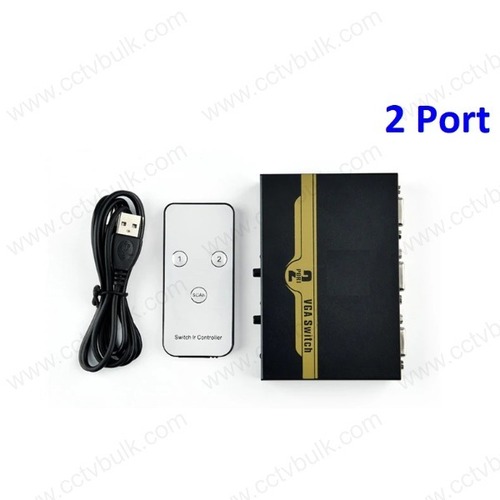

Price:
- 50
- 100
- 200
- 250
- 500
- 1000+

More Products in Display Solution Category
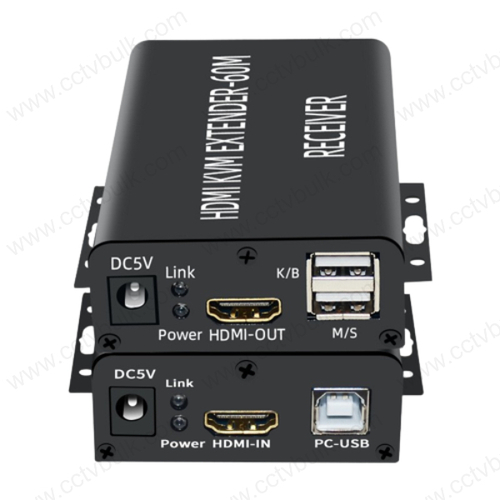
Hdmi Kvm Extender 60M With Usb 1Y
Price 2999 INR / Piece
Minimum Order Quantity : 1 Piece
Color : Black
Application : HDMI KVM Extender for Monitor, Keyboard, Mouse with USB Support
Material : Other , Copper
Female End Type : HDMI Female, USB Female
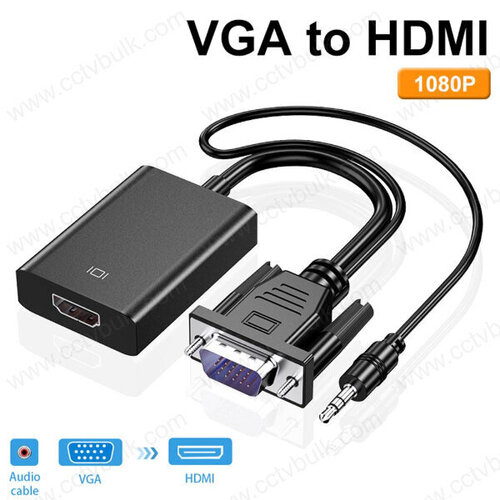
Vga To Hdmi Audio with Dc
Price 389 INR / Piece
Minimum Order Quantity : 1 Piece
Color : Black
Application : Compatible with Computer, TV, Gaming Console
Female End Type : HDMI
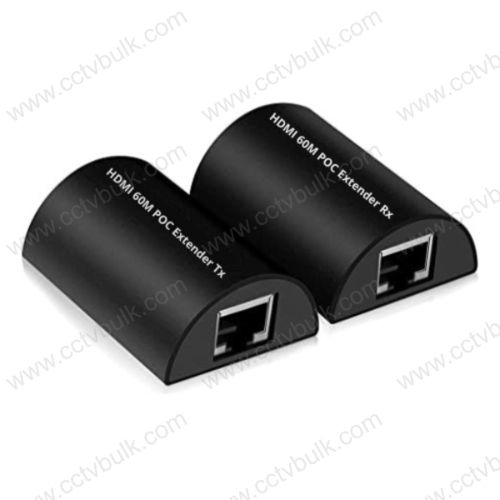
Hdmi Poc Extender 60M Via Lan 1Y
Price 1599 INR / Piece
Minimum Order Quantity : 1 Piece
Color : Black
Application : Compatible Device Projector, Personal Computer, Charging Adapter DVR NVR Play station
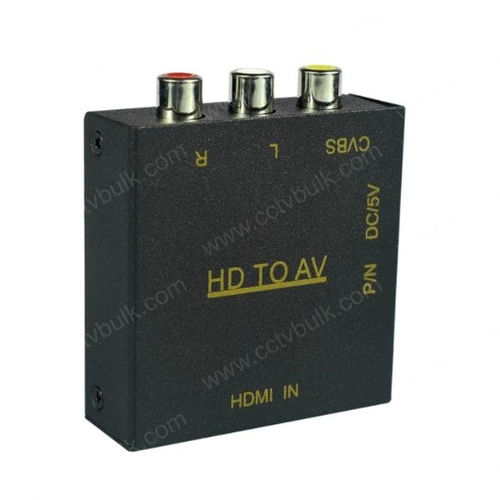
Hd To Av Video Converter
Price 249 INR / Piece
Minimum Order Quantity : 1 Piece
Color : Black
Material : Metal



Contact Details
GST : 24AVYPS7019Q1ZE
 Send Inquiry
08160000816

 |
NETMART INDIA
All Rights Reserved.(Terms of Use) Developed and Managed by Infocom Network Private Limited. |
